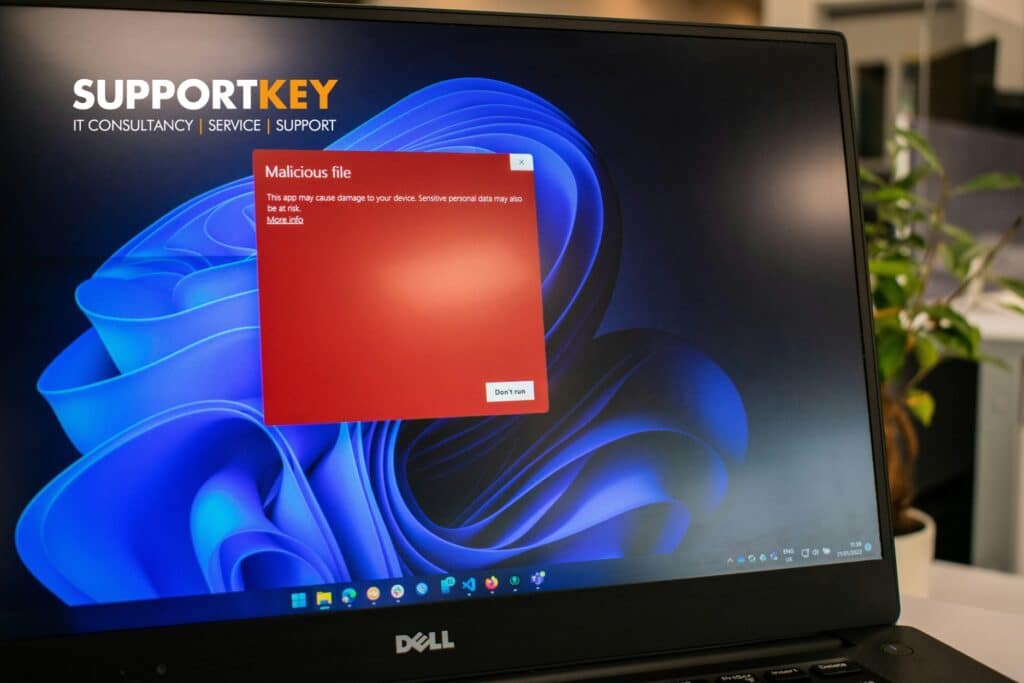



If you run a business in Glasgow, you already know the obvious risks: late payments, staffing headaches, suppliers going quiet when you need them most.
Cyber risk is less visible, which is exactly why it catches people out.
Most of the businesses we speak to are not doing anything wildly reckless. They are just busy. Security gets treated like background noise until something forces it to the top of the list.
This post covers the most common cybersecurity risks we see in Glasgow-area SMEs, plus practical ways to reduce them without turning your business into a full-time IT project.
TL;DR
- The most common risks are weak logins, patching gaps, poor visibility, and backups that have not been tested.
- Most incidents are preventable with a handful of consistent controls.
- A security review helps you prioritise quick wins and reduce risk without guesswork.
The risks we see most often (and what to do about them)
1) Passwords and access that are too easy to compromise
This is still the big one.
Common patterns:
- shared logins (especially for finance or admin tools)
- passwords reused across systems
- ex-staff accounts still active
How to reduce the risk
- Use a password manager and unique passwords for key accounts
- Turn on multi-factor authentication (MFA) everywhere you can
- Review user access regularly, especially after staff changes
2) MFA is missing, inconsistent, or bypassed
MFA is one of the highest impact controls you can put in place.
But we still see:
- MFA enabled for some users, not all
- legacy apps that do not support MFA properly
- staff using weaker MFA methods because it is easier
How to reduce the risk
- Make MFA mandatory for email, Microsoft 365, remote access, and admin accounts
- Use stronger MFA methods where possible
- Document exceptions and put a plan in place to remove them
3) Patching and updates are not managed properly
Most attacks do not start with Hollywood hacking. They start with known vulnerabilities that were never patched.
We often see:
- Windows updates delayed for months
- third-party apps (browsers, PDF readers) not updated consistently
- servers treated like they are too precious to touch
How to reduce the risk
- Put patching on a schedule and make it someone’s job
- Track what is patched and what is not
- Prioritise internet-facing systems and admin devices
4) Backups exist, but restores are not tested
A backup you have never tested is not a backup. It is a comforting story.
Common issues:
- no clear recovery time expectations
- backups stored in the same place as the data
- nobody knows what is included or excluded
How to reduce the risk
- Test restores regularly (even small ones)
- Know your recovery time objective (RTO) and recovery point objective (RPO)
- Keep at least one backup copy isolated from the main network
5) Email security and phishing exposure
For many SMEs, email is the front door.
We see:
- poor spam filtering
- no protection against impersonation
- staff unsure what to do when something looks suspicious
How to reduce the risk
- Improve email filtering and protection
- Add domain protection (SPF, DKIM, DMARC)
- Run short, regular phishing awareness training
6) Too much trust inside the network
Once an attacker gets in, the next question is how far they can move.
Common problems:
- everyone has admin rights
- no separation between key systems
- no monitoring to spot unusual behaviour
How to reduce the risk
- Remove unnecessary admin access
- Segment networks where it makes sense
- Add monitoring so you can spot issues early
7) No clear plan for incidents
Even with good controls, things can still happen.
If your plan is we will deal with it when it happens, you will lose time when time matters.
How to reduce the risk
- Agree who does what if there is an incident
- Keep key contacts and recovery steps documented
- Make sure you know what to report, and when
Quick checklist: 10 practical security quick wins
- MFA on email and admin accounts
- Remove ex-staff access
- Password manager for key users
- Patch schedule for devices and servers
- Tested backups with clear recovery targets
- Basic monitoring and alerts
- Admin rights reviewed and reduced
- Email domain protection (SPF/DKIM/DMARC)
- Short staff training every quarter
- A simple incident response plan
Conclusion: reduce risk with a clear plan
The goal is not perfect security.
The goal is to reduce the likelihood of an incident and limit the damage if something does happen.
If you are not sure where to start, a structured review is the fastest way to get clarity.
If you’re a Glasgow business and you want a clear view of your biggest risks (plus quick wins), book a security review. Well assess your current setup and give you a practical plan to reduce risk.