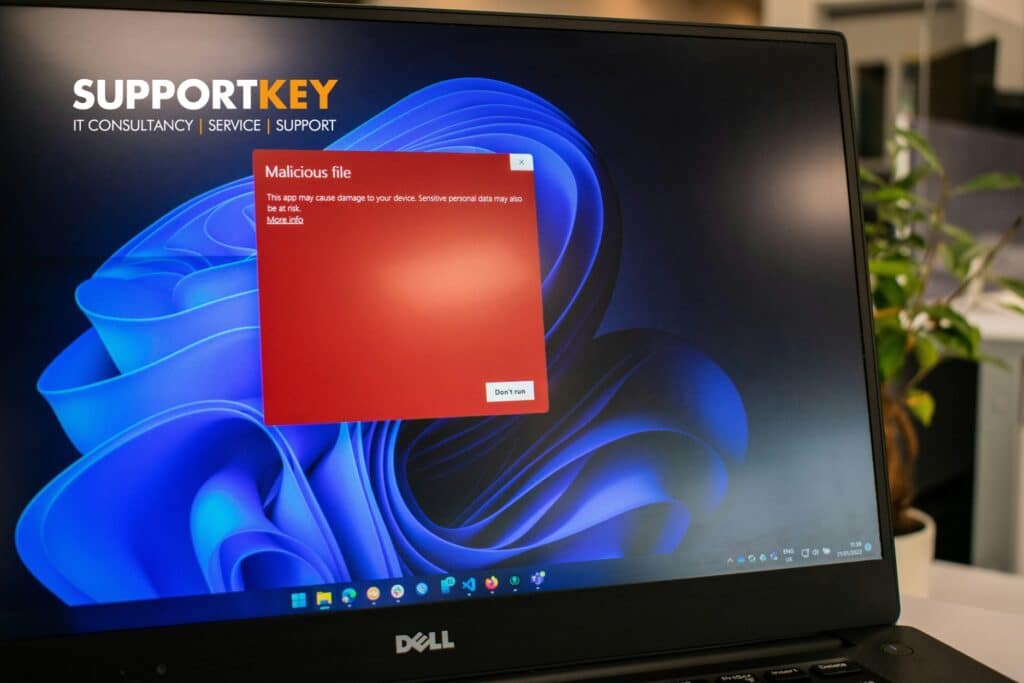


A member of staff in your Paisley office opens what looks like a routine invoice email from a regular supplier. Antivirus software doesn’t flag it, because there’s no malicious file involved, just a convincing message asking for a bank account to be updated before the next payment goes out. Nothing gets detected. The only thing standing between that email and a lost payment is whether someone stops to check it first.
This is the gap that catches out plenty of otherwise careful Glasgow and Paisley businesses. This guide looks at whether cybersecurity if you already have antivirus is something you still need to think about, what a fuller approach covers, and how to check if your current setup leaves you exposed. It’s written for business owners and office managers who want a straight answer, not a sales pitch.
TL;DR
Yes, antivirus on its own isn’t enough. It catches known malicious files, but it doesn’t stop phishing emails, weak or reused passwords, unpatched software, or a member of staff being talked into approving a fraudulent payment, and those cause more breaches today than viruses do. Cybersecurity is the wider set of tools, habits and checks that cover those gaps. Skip it, and a business is relying on one layer of defence against threats built to get past exactly that layer.
Key takeaways
- Antivirus protects against known malicious files, but most cyber breaches now start with phishing rather than something antivirus can detect.
- Cybersecurity also covers passwords, staff awareness, software updates, backups and network firewalls, not just what runs on each device.
- A layered approach means one weak point, such as a guessed password, doesn’t lead straight to a full breach.
- Checking your setup against recognised guidance, such as the NCSC’s advice for small organisations, shows exactly where the gaps sit.
- A short security review can usually show within a couple of hours whether antivirus alone is leaving a business exposed.
What cybersecurity means
Cybersecurity means the practices, tools and habits an organisation uses to protect its systems, data and people from attack, and antivirus software is only one part of that picture. Antivirus scans files and processes for known malicious code and blocks or removes anything it recognises. It’s useful, and every business should have it, but it was never designed to stop a convincing phishing email, a reused password, or a supplier’s own systems being compromised and used to reach yours.
SupportKey has looked before at the risks Glasgow businesses face most often, and one pattern stands out: most incidents don’t start with a virus at all. They start with a person being tricked, a login being guessed, or a piece of software going unpatched for months. None of that is something antivirus alone is built to catch. Understanding where antivirus stops, and where the rest of cybersecurity picks up, is the first step to closing that gap.
What cybersecurity covers beyond antivirus
Email and phishing defences
Phishing is the most common type of cyber-attack UK businesses report, involved in 38% of all breaches identified by businesses in the Cyber Security Breaches Survey 2025/2026 from the Department for Science, Innovation and Technology. Among businesses that experienced any breach, just over half faced phishing and nothing else, meaning no virus or malware was involved at all. Antivirus has no role to play here, because the email itself isn’t malicious code. What helps is email filtering, a clear process for verifying payment requests by phone, and staff who feel comfortable flagging anything that looks slightly off.
Passwords and multi-factor authentication
Antivirus doesn’t check how strong a password is, or whether the same one is reused across accounts. In the same survey, only 47% of UK businesses had any form of two-factor authentication in place, despite it being one of the simplest ways to stop a stolen password being used to log in. It’s worth looking at how to adopt multi-factor authentication across the accounts that matter most, starting with email and finance systems.
Firewalls and network protection
A firewall controls what’s allowed to move between your network and the wider internet, a different job to scanning files for viruses. Around three-quarters of UK businesses (74%) reported having network firewalls in place, leaving a meaningful minority exposed. Getting the basics right here, including a properly configured firewall, closes off one of the more straightforward routes attackers use to get in.
Keeping software patched
Every piece of software eventually needs a security update, and delaying those updates leaves known weaknesses open for longer than necessary. Yet only 34% of UK businesses had a policy to apply software security updates within 14 days, according to the 2025/2026 survey. Antivirus can’t patch software for you. That must be a deliberate habit, whether that’s automatic updates switched on everywhere possible or a monthly check across every device in use.
Backups that work
If a device is lost, damaged, or locked by ransomware, antivirus offers no way to get the data back. A secure, tested backup does. The survey found 74% of UK businesses back up data via a cloud service, but having a backup and knowing it will restore properly are two different things. An untested backup is an assumption, not a plan.
Why this matters for businesses in Glasgow and Paisley
Small businesses are targeted, not overlooked
It’s a common assumption that cyber criminals go after larger organisations and leave smaller businesses alone. The figures don’t support that. In the 2025/2026 survey, 42% of micro businesses and 46% of small businesses reported experiencing a breach or attack in the past year, broadly in line with the wider business population. Smaller organisations are just as likely to be caught out and often have fewer people watching for the warning signs.
The cost of a breach isn’t only financial
Most businesses that reported a breach faced relatively low direct costs, with a median perceived cost of £0 for their most disruptive incident. A minority faced considerably more, with the top 5% of micro and small businesses reporting costs of £4,000 or more. On top of any direct cost, there’s the time spent on the fallout and the disruption to the rest of the working day.
What good cybersecurity looks like day to day
Multiple layers working together
Good cybersecurity doesn’t rely on any single tool catching everything. It combines antivirus with firewalls, access controls, backups and staff awareness, so that if one layer is bypassed, another limits the damage. This is sometimes called layered security and data protection, and it’s the approach most IT support providers, including SupportKey, build into an ongoing managed service rather than treating as a one-off purchase.
Staff who know what to look out for
Technology can only do so much if the people using it don’t know what a phishing attempt looks like. Just 19% of UK businesses reported running any staff training on cyber security in the past year, according to the 2025/2026 survey. A short, regular reminder of what to check before clicking a link or approving a payment does more for most small businesses than another piece of software.
How to get started without a big overhaul
Start with a review
The quickest way to see where the gaps sit is a short, structured review against a recognised checklist, such as the National Cyber Security Centre’s Small Business Guide, which covers backups, malware protection, device security, passwords and phishing in one place. A review doesn’t need to take long, and it gives a clear list of what to fix first rather than a vague sense that more should probably be done.
Fix the highest-risk gaps first
Not every gap needs fixing on the same day. Multi-factor authentication on email and finance accounts, a tested backup, and a clear process for verifying payment requests close off the route’s attackers use most often, and none of them require replacing existing antivirus software. From there, tightening up your cyber hygiene more broadly, such as patch schedules and staff training, can follow at a manageable pace.
Antivirus vs cybersecurity: what each one covers
Use this table to see, area by area, where antivirus stops and where a wider cybersecurity approach picks up.
| Area | Antivirus | Wider cybersecurity approach |
| Malicious files | Scans and blocks known viruses and malware | Adds monitoring for new and unusual activity too |
| Phishing emails | Rarely flags a well-written scam email | Email filtering, staff awareness and payment verification steps |
| Weak or reused passwords | No visibility into this at all | Password policies and multi-factor authentication |
| Out-of-date software | Doesn’t apply security updates | Scheduled patching and update policies |
| Data loss from an incident | Doesn’t back anything up | Secure, regularly tested backups |
| Network access | Works on individual devices only | Firewalls and network-level controls |
| A lost or stolen device | No protection once the device is unlocked | Device encryption and remote wipe options |
| Staff behaviour | Can’t influence what people click or approve | Training and clear reporting processes |
Is antivirus still worth having if it doesn’t stop everything?
Yes. Antivirus remains a useful baseline layer, and it still catches a meaningful share of malicious files before they cause damage. The point is that it was designed to solve one specific problem, and most of today’s breaches happen through routes it was never built to cover. Keeping it running alongside the other layers covered above gives broader protection than relying on it alone.
How do we find out if antivirus is our only protection?
The most reliable way is a short review checking for the other layers: whether multi-factor authentication is switched on for email and finance systems, whether backups are tested rather than just running, whether a firewall is in place and configured properly, and whether staff have had any training on spotting phishing attempts. Answering no to more than one or two of these is usually a sign that antivirus has been doing more of the work than it should.
Can a small business in Glasgow or Paisley realistically manage all of this?
Yes, and it doesn’t have to happen at once. Several of the highest-impact steps, such as switching on multi-factor authentication or agreeing a process for verifying payment requests, cost nothing beyond the time to set them up. What tends to work best is fixing the highest-risk gaps first, then building the rest into an ongoing routine rather than treating cybersecurity as a single project with an end date.
Building protection that goes beyond antivirus
Good cybersecurity doesn’t replace antivirus; it works alongside it. The businesses that stay out of trouble tend to be the ones that treat email checks, strong passwords, patched software, tested backups and a firewall as routine, rather than assuming one piece of software covers everything. None of this needs to happen overnight, but it does need to happen deliberately.
SupportKey has supported businesses across Paisley, Glasgow and the wider central belt of Scotland, along with clients up into the highlands and islands, for more than two decades, and a security review is usually the fastest way to find out where a business stands. If antivirus is the only protection currently in place, book a security review with SupportKey to see what else needs attention.